
Shopify apps get abandoned more often than most merchants realise. Some go down with a public collapse (servers offline, support unresponsive, angry reviews piling up). Others fade quietly — last update was three years ago, the developer hasn’t replied to anyone in months, the app technically still works but is slowly drifting into incompatibility with each Shopify update.
This article is about how to spot the warning signs early, before you’re the merchant whose galleries stopped rendering or whose checkout extension broke during Black Friday.
Some of these signs apply at install time. Others are about apps you already have installed. We’ll cover both.
Why app abandonment matters
The cost of an abandoned app isn’t just the monthly fee you’ve been paying. It’s:
- The data permissions you handed over and now can’t claw back
- The theme code that may have been modified
- The customer expectations you’ve built around features that suddenly stop working
- The migration time when you’re forced to switch in a hurry
- The bad customer experience while you scramble
These costs are silent until they’re not. You pay them all at once, usually at a bad time.
The 8 warning signs
1. The “last updated” date is creeping out
This is the most reliable single signal, and it’s free to check.
Every Shopify App Store listing shows when the app was last updated. Open the listing and look for “Updated” near the top.
Healthy: Updated within the last 90 days. This developer is actively shipping changes.
Worth watching: Updated 3-6 months ago. Could be normal slowdown, could be a leading indicator.
Concerning: Updated 6-12 months ago. The product is either stable enough to not need updates (rare) or the developer’s attention has drifted (common).
Red flag: Updated more than 12 months ago. Most apps in this state are functionally abandoned. The developer might still respond to support, but they’re not investing in the product.
What matters more than the absolute number is the trend. An app updated every 4 weeks for years that suddenly hasn’t been updated in 5 months is a worse signal than an app that’s always been updated every 6 months.
The “Last updated” date is visible on the App Store listing without installing anything, so this check costs you nothing.
2. Support response times are stretching
Email the developer’s support address with a non-urgent question before installing. Note how long they take to respond.
Healthy: Reply within 24 hours, often within a few hours.
Concerning: Reply takes 3-5 business days. Could be a small team, could be a sign of strain.
Red flag: No reply within 7 days.
If you’re already using an app, the same signal applies — but watch the change in response time. A developer who used to reply within 2 hours and now takes a week is heading somewhere bad.
For apps you depend on, check the App Store reviews for support-related complaints in the last 60-90 days specifically. Recent complaints about slow or absent support is the strongest leading indicator of full abandonment.
3. Long-tenured customers are leaving 1-star reviews
This is the signal that would have predicted Cozy Image Gallery’s collapse if anyone was watching for it.
Look at recent 1-star reviews on the App Store listing. Pay attention to the “X years using the app” field shown next to each review.
A customer who’s been using an app for 4 years, paid for it consistently, and is now leaving a 1-star review is telling you something specific: something changed. They didn’t suddenly become unreasonable. The app, or the company behind it, did something different.
In Cozy’s case, the pattern was unmistakable in retrospect:
- August 2025: 1-star reviews from 6-year customers describing the same SSL outage
- September 2025: more 1-star reviews from 5-year customers about absent support
- Aggregate rating dropping despite years of healthy reviews
Each individual review was easy to dismiss. The pattern of long-tenured customers leaving 1-star reviews within weeks of each other was the signal.
If you see this pattern on any app — multiple long-tenured customers leaving 1-star reviews about the same operational problem, clustered in a short time window — start planning your exit.
4. The developer has multiple abandoned apps in their portfolio
On any App Store listing, the developer’s name is a clickable link that shows all their other apps. Click through and look at the full portfolio.
Healthy: All listed apps are actively maintained, with recent updates and positive recent reviews.
Concerning: One or two of their other apps look abandoned (no updates in 18+ months, declining reviews).
Red flag: Most of their portfolio is in various stages of decay. The one app you’re considering looks healthy now, but the developer’s track record is to abandon things.
Some developers are serial shippers who can maintain a portfolio of small apps indefinitely. Others ship apps, get a customer base, and then move on to the next project, leaving the old apps unmaintained. The portfolio pattern tells you which kind of developer you’re dealing with.
5. The app’s website looks neglected
Most Shopify apps have a marketing site outside the App Store — appname.com or developerstudio.com/appname. Visit it.
Healthy: Updated copy reflecting current features, recent blog posts or changelog entries, working forms and contact methods.
Concerning: Stale copy mentioning features that no longer exist, blog posts more than a year old, broken links.
Red flag: The site is offline, redirects somewhere unrelated, or shows a generic “this domain is for sale” landing page.
The marketing site is the developer’s storefront. If they’re not maintaining their own storefront, they’re definitely not maintaining the app.
Specifically check:
- Does the “changelog” or “what’s new” page have recent entries?
- Does the pricing page match the App Store pricing?
- Does the contact form actually work?
- Is the SSL certificate valid? (This is the canary signal that caught Cozy — their main domain still worked but their CDN cert expired, which is a clue that nobody’s watching infrastructure)
6. Single point of failure architecture
This one requires more technical knowledge but is worth flagging.
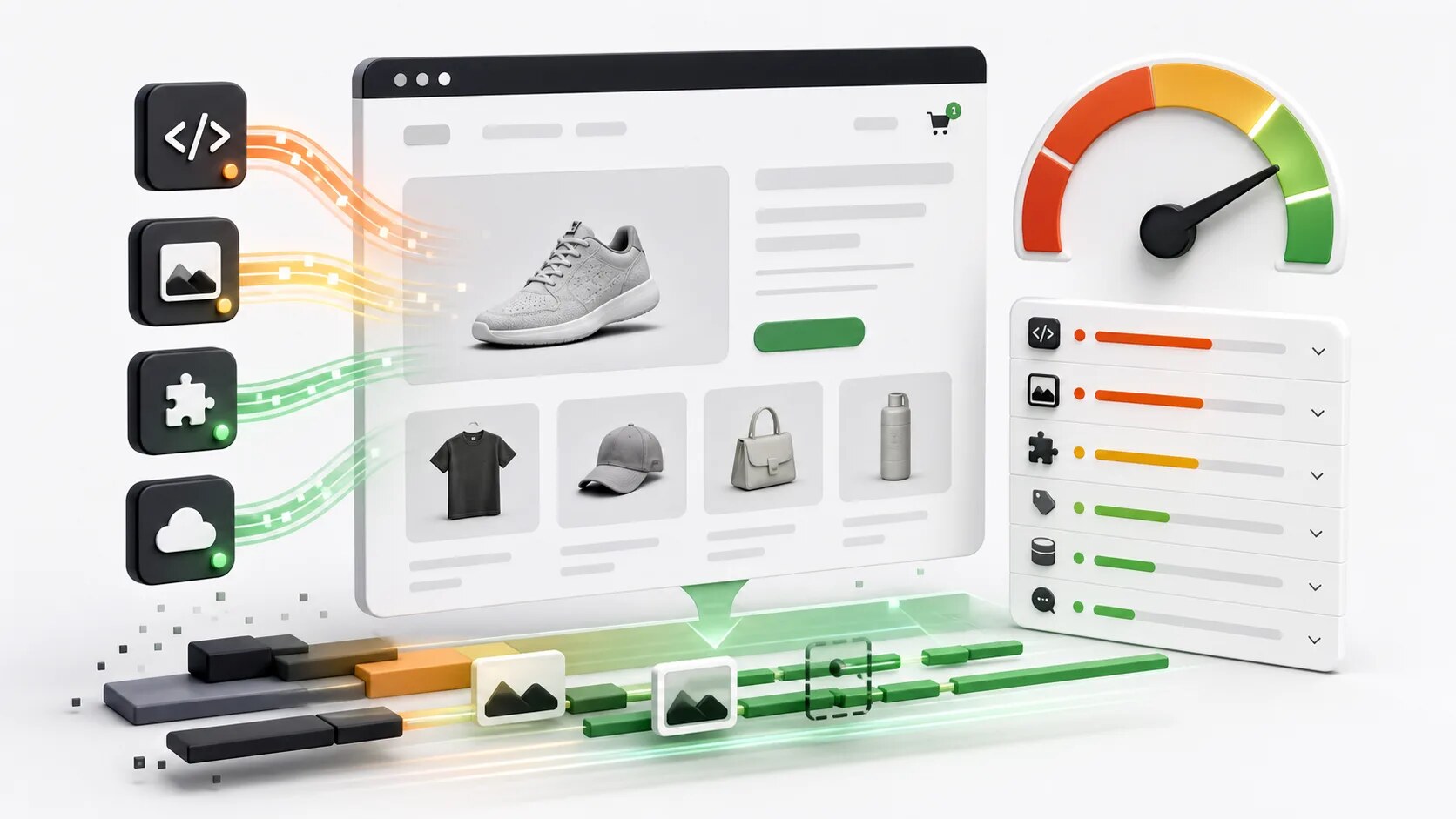
Many Shopify apps work by loading code and assets from the developer’s own servers at storefront render time. When a customer visits a page, their browser:
- Loads the page from Shopify’s CDN
- Encounters a script tag pointing to
app-developer.com/widget.js - Downloads that script from the developer’s server
- The script runs and loads additional resources (images, data) also from the developer’s server
In normal operation, this is fine. The catch: if the developer’s server has problems, the entire app stops working across every store that uses it. Simultaneously.
This is what happened to Cozy. The architectural decision to host gallery images on their own CDN, instead of in merchants’ Shopify Files, meant that one infrastructure failure took down galleries across every Cozy customer’s storefront at once.
The architectural alternative is “Theme App Extensions” (Shopify’s modern app pattern), where the app’s code is baked into the merchant’s theme on save and served from Shopify’s CDN, not from the developer’s server. Apps using this pattern continue working on storefronts even if the developer’s infrastructure has problems.
How to check before installing:
- Look at the App Store listing for “Built for Shopify” badge or “Online Store 2.0 compatible” mentions
- Ask the developer: “If your servers go offline, will my galleries/widgets/whatever still render on my storefront?”
- The honest answer determines your risk exposure
This isn’t a deal-breaker on its own — many useful apps use the load-at-runtime pattern and have been reliable for years. But for apps that touch your customer-facing storefront, the resilient architecture is meaningfully safer.
7. The pricing is suspiciously cheap or aggressive freemium
Sustainable software businesses charge enough to fund development, support, and infrastructure. Apps that charge dramatically less than competitors are usually subsidising the cost somehow:
The developer is losing money intentionally (loss leader). This works until the funding runs out, at which point the app either becomes much more expensive or gets abandoned.
The developer is monetising your data. Most reputable Shopify apps don’t, but it happens. Read the privacy policy carefully if pricing seems implausibly cheap.
The developer is hoping for acquisition. Build user base, sell to a larger company. The acquiring company may or may not maintain the app post-acquisition.
It’s a passion project. Sustainable as long as the developer’s enthusiasm holds. When it doesn’t, the app drifts.
None of these are inherently bad signs. But “this app is suspiciously cheap” is a question worth asking before installing.
The flip side: aggressive freemium that locks essential features behind paywalls is also a red flag of a different kind. Apps that show you a popup begging you to upgrade every time you open the admin are signaling unhealthy economics — they need every install to convert hard.
8. The app is one of many gallery/popup/whatever apps from a developer
Some Shopify developers operate “app factories” — they ship 20+ apps across various categories, each with minimal differentiation from competitors, hoping that aggregate installs add up to a sustainable business.
This isn’t inherently bad. Hextom, Elfsight, and Booster Apps all run successful multi-app portfolios with genuine investment in each app.
But the pattern can also signal a developer who’s spread thin. If they have 20 apps, each one might get one developer-week of attention per year. That’s enough to keep the app running but not enough to fix anything significant when it breaks.
How to tell the difference:
- Check the update cadence across the developer’s portfolio. Real multi-app businesses ship to most or all of their apps regularly.
- Check support response times. Real multi-app businesses have actual support teams. Spread-thin developers respond inconsistently.
- Check the depth of features in any one app. Real businesses invest in their apps over years. Spread-thin developers’ apps tend to be shallow — they hit the headline features and stop.
What to do if an app you depend on shows red flags
If you’re reading this and realising one of your existing apps shows multiple warning signs, here’s the practical sequence:
Step 1: Document the situation
Take screenshots of:
- Your current configuration in the app
- All settings you’ve customized
- All data the app has stored (galleries, popups, content, whatever it manages)
- The relevant pages of your storefront that use the app
Do this now while everything still works. If the app collapses, this documentation becomes the basis for migration to whatever you choose next.
Step 2: Identify alternatives
For most app categories, there are multiple competing apps. Make a short list of 2-3 alternatives, run them through the evaluation framework, and pick a most-likely replacement.
Don’t commit to anything yet. Just know your options.
Step 3: Test the alternative on a duplicate theme
Install your top alternative on a duplicate of your live theme. Configure it to roughly match what you have currently. Confirm it works.
You’re not switching yet — you’re proving you could switch quickly if you needed to.
Step 4: Set a decision trigger
Decide what would cause you to actually pull the trigger and switch. Examples:
- “If the current app’s support doesn’t reply to my next ticket within 5 days”
- “If the current app has another outage that lasts more than 24 hours”
- “If three months pass without a product update”
Having a pre-decided trigger means you switch on the data, not on panic. You won’t switch unnecessarily, and you won’t be paralyzed when the situation deteriorates.
Step 5: Switch when the trigger fires
When the trigger fires, you’ve already done the prep work. The switch becomes a 30-minute task rather than a multi-day fire drill.
What to do if an app you depend on goes fully offline
This is the worst-case scenario, where you didn’t see the warning signs in time or chose to ignore them.
First 24 hours:
- Stop the bleeding. If the app is breaking your storefront, remove or comment out its theme code so the broken parts at least disappear from customer view.
- Document the current state with screenshots before doing anything that might destroy evidence.
- Try every available support channel one more time, in case the developer is still reachable.
Within the first week:
- Recover any data you can from the app while it still partially functions, even if intermittently.
- If the app is image- or content-heavy, recover those assets to local storage (see our guide to exporting from Cozy for an example of recovery techniques that work for any image-handling app).
- Pick a replacement and start migrating.
Within the first month:
- Complete migration to the replacement.
- Uninstall the broken app once everything is moved.
- Document what happened for your own records.
A reality check
Not every app that shows one of these red flags is about to disappear. Sometimes a developer takes a sabbatical, comes back, and ships great updates. Sometimes a slow patch is just a slow patch.
The framework above isn’t “any red flag means immediate panic.” It’s “multiple red flags warrant attention, and you should be doing the prep work to switch before you need to.”
The merchants who got hurt by the Cozy collapse weren’t unlucky. They were merchants who didn’t notice the warning signs early enough to prepare. The warning signs were public months in advance for anyone looking.
What this means for app choice
We’re a Shopify app developer (we make A1 Image Gallery). The framework above applies to us as much as anyone else. Specifically:
- Our last updated date should be recent (it is, but we keep this in mind every quarter)
- Our support should respond fast (we aim for under 24 hours, often same-day)
- Long-tenured customers’ satisfaction will be the truest measure of our health (we don’t have long-tenured customers yet — we’re new — but we’re building toward that)
- Our architecture is specifically designed to not have the single-point-of-failure problem (your galleries continue working even if our backend is offline)
You should apply this framework to us. We’d rather you ask the hard questions before installing than discover problems later.
Questions about evaluating an app you currently depend on? Email [email protected]. We’re happy to give a second opinion on any app, even our own.
A1 Image Gallery is built by A1 Local, an independent Shopify development studio based in Perth, Australia.